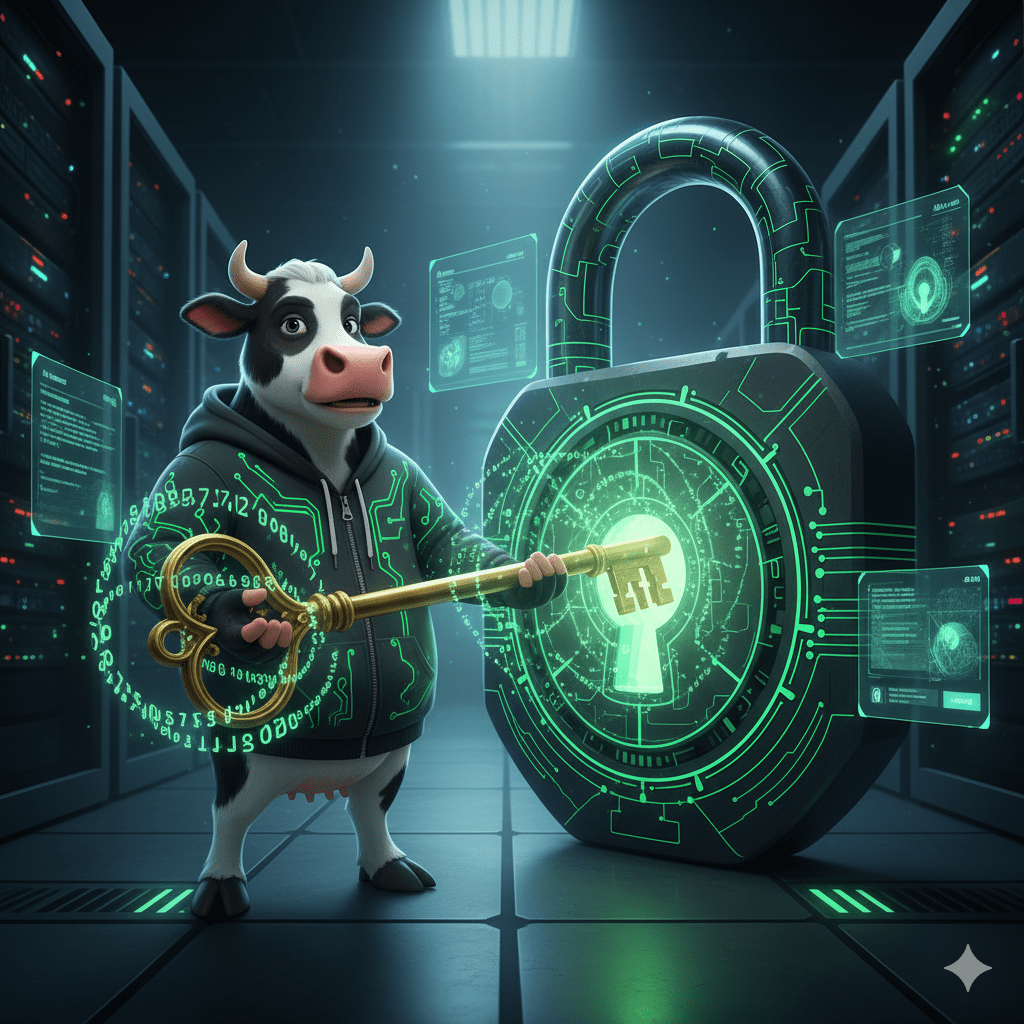
Howdy, cyber-herders! Hacker Cow here, ready to share some crucial wisdom about the first line of defense in your digital life: your passwords. Think of your passwords as the keys to your entire online existence – your bank accounts, your email, your social media, your work platforms. Would you use the same flimsy key for your house, car, and safe deposit box? Of course not! Yet, many of us treat our digital keys with far less care.
Today, we’re going to talk about building truly strong passwords and why relying on a dedicated password manager is not just convenient, but absolutely essential for your cybersecurity.
The Harsh Truth: Weak Passwords Are an Open Invitation
In the digital world, “security through obscurity” doesn’t work. Cybercriminals aren’t just guessing common words; they use sophisticated software to try billions of password combinations per second.
- Short and Simple? Gone in Seconds. Passwords like “password123” or “qwerty” can be cracked almost instantly. Even slightly more complex but short passwords (e.g., “Mypetdog”) are vulnerable.
- Password Reuse: The Domino Effect. This is one of the biggest dangers! If you use the same password for multiple accounts, and one of those accounts gets breached (which happens all the time to even major companies), criminals then have the key to all your other accounts. This is called a “credential stuffing” attack, and it’s incredibly effective for hackers.
What Makes a Password “Strong”?
A strong password isn’t just a mix of characters; it’s a unique, lengthy phrase that’s difficult for anyone (or any machine) to guess.
Hacker Cow’s Recipe for a Mighty Password:
- Length is King: Aim for at least 14 characters, but longer is always better.
- Mix It Up: Use a combination of uppercase letters, lowercase letters, numbers, and special symbols (!@#$%^&*).
- Be Unique: Every single online account should have its own unique password. No exceptions!
- Think Passphrase: Instead of a single word, create a memorable phrase that only you know. For example, “MyCow_AteTheLawnmower!1986” is long, complex, and unique. It’s much easier for you to remember than “x3Wk!Zp9$7bR@f” but far harder for a hacker to guess.
The Problem: Remembering Dozens of Unique, Complex Passwords
“That all sounds great, Hacker Cow, but how am I supposed to remember 50 different 16-character passphrases?!”
Exactly! This is where the magic of a Password Manager comes in.
Password Managers: Your Digital Fortress
A password manager is a highly secure, encrypted application that stores all your login credentials for every website and service you use. You only need to remember one super-strong “master password” to unlock your entire vault.
How a Password Manager Works (and why it’s a lifesaver):
- Generates Strong Passwords: It can automatically create unique, uncrackable passwords for every new account.
- Securely Stores Everything: All your passwords are encrypted and stored in one secure location.
- Auto-Fills Logins: When you visit a website, your password manager can automatically fill in your username and password, saving you time and preventing typos.
- Syncs Across Devices: Access your passwords securely from your computer, phone, and tablet.
- Identifies Weaknesses: Many managers have “password health” features that flag weak, reused, or compromised passwords so you can update them.
- Beyond Passwords: Some can also store secure notes, credit card details, and other sensitive information.
Why Browser-Built-In Password Managers Aren’t Enough (Looking at you, Chrome!)
Many web browsers like Chrome, Firefox, and Edge offer to save your passwords. While this seems convenient, it comes with significant security drawbacks:
- Less Secure Encryption: Browser-based password storage often uses simpler encryption methods compared to dedicated password managers.
- Easier Access for Malware: If your computer gets infected with certain types of malware, browser-stored passwords are often one of the first things these malicious programs look for and can easily extract. They are often stored in less protected areas of your system.
- Single Point of Failure: If someone gains access to your browser profile or operating system login, they could potentially access all your browser-saved passwords without needing a separate master password.
- Limited Features: They lack advanced features like secure sharing, emergency access, detailed password health audits, and secure note storage that dedicated managers provide.
- Not Cross-Browser/Cross-Platform: If you switch browsers or need to access passwords from an app, browser-based solutions are often useless.
Hacker Cow’s Recommendation: For robust security and convenience, always choose a dedicated, reputable password manager. Tools like NordPass offer industry-leading encryption (xChaCha20), strong authentication, and a comprehensive feature set that puts browser-based options to shame.
If you are a business, CyberShield can set you up with NordPass. Schedule a free discovery call today!
Your Digital Keys Deserve the Best Locksmith!
Taking control of your password hygiene is one of the most impactful steps you can take to protect yourself online. Stop reusing passwords, generate unique and complex ones, and entrust them to a dedicated password manager. It’s a small investment of time for a massive return in peace of mind.
Stay strong, stay unique, and keep those digital doors locked tight!