
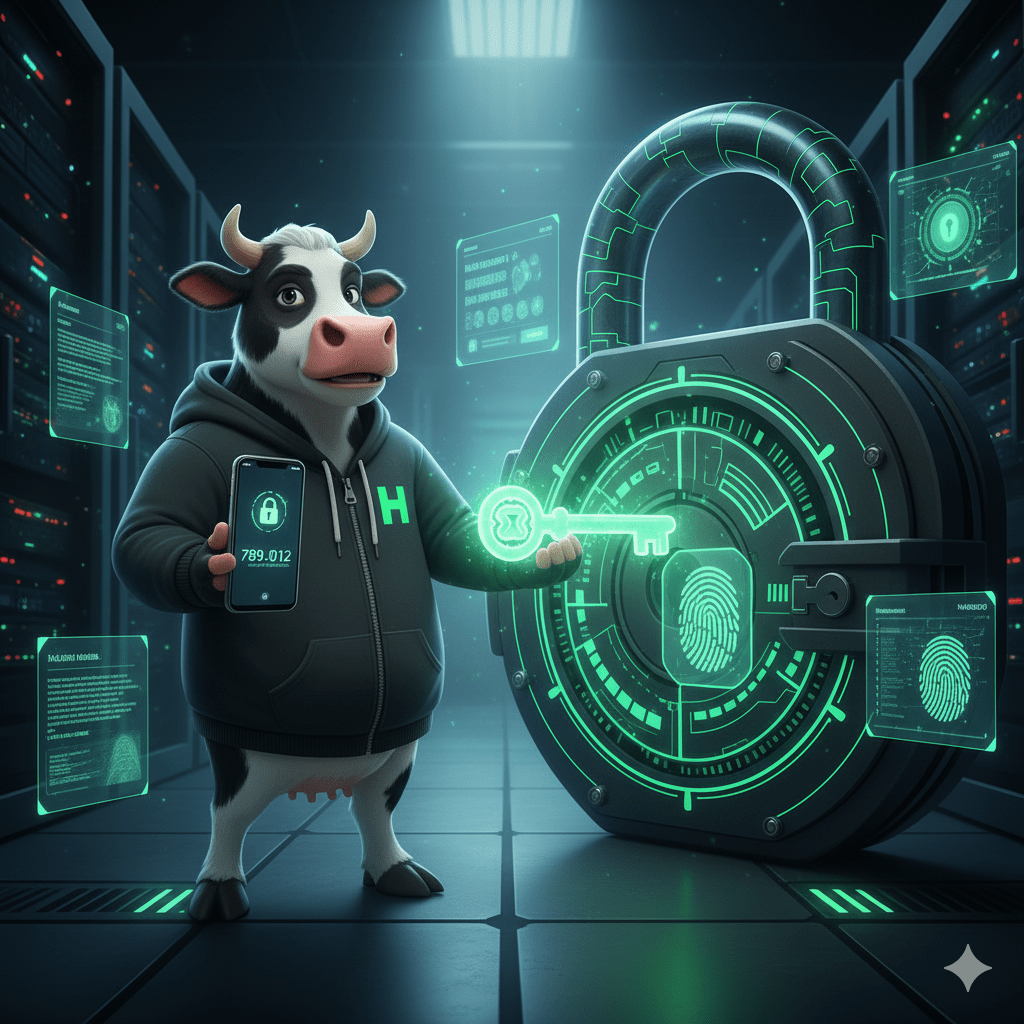
Howdy, digital pioneers! Hacker Cow here, and today we’re moo-ving beyond the basics to talk about two of the most powerful advancements in online security: Multi-Factor Authentication (MFA) and the future-forward Passkeys. If your password is the key to your digital home, then MFA is the alarm system, the deadbolt, and the security guard all rolled into one. And Passkeys? They’re like getting rid of physical keys entirely for a super-secure biometric access system!
Let’s explore why these aren’t just good ideas, but essential layers of protection in today’s cyber landscape.
The Password Problem: Why We Need More Than Just a Key
Even the strongest, most complex password can be compromised. How?
- Phishing Scams: As we discussed, clever scams can trick you into revealing your password.
- Data Breaches: Major websites and services suffer breaches, exposing user passwords (even if they’re encrypted, skilled attackers might eventually decrypt them).
- Keyloggers: Malicious software can record everything you type, including your password.
If a cybercriminal gets hold of your password, without additional protection, they’ve got full access to your account. That’s where MFA steps in!
1. Multi-Factor Authentication (MFA): Your Digital Security Guard
Multi-Factor Authentication (MFA) adds crucial layers of security by requiring two or more different forms of verification before granting access to your account. It’s based on something you know, something you have, or something you are.
The “Factors” Explained:
- Something You Know: Your password (the first factor).
- Something You Have: A physical device in your possession, like your phone (for a code) or a hardware security key.
- Something You Are: A unique biological trait, like your fingerprint or face (biometrics).
How MFA Works in Practice:
When you log in to an MFA-protected account:
- You enter your password (something you know).
- The system then asks for a second verification (e.g., a code sent to your phone, a tap on an authenticator app, or a fingerprint scan).
- Only after both factors are successfully verified are you granted access.
This means that even if a hacker steals your password, they can’t get into your account because they don’t have your second factor (your phone, your fingerprint, etc.).
Hacker Cow’s Preferred MFA Methods (Ranked from Good to Best):
- SMS Codes (Good): A code sent via text message to your registered phone number. Convenient, but can be vulnerable to “SIM swapping” attacks where criminals transfer your phone number to their device.
- Authenticator Apps (Better): Apps like Google Authenticator or Microsoft Authenticator generate time-sensitive codes directly on your phone. These are more secure than SMS as they don’t rely on your cell carrier.
- Hardware Security Keys (Best): Physical USB devices (e.g., YubiKey) that you plug in or tap to verify your login. Extremely secure and phishing-resistant.
Enabling MFA is usually a simple setting within your account’s security options – look for “2-Step Verification” or “Two-Factor Authentication.”
2. Passkeys: The Future is Passwordless and Phishing-Resistant!
Imagine logging into websites and apps without typing a single password, and with even stronger protection against phishing. That’s the promise of Passkeys, a revolutionary new technology backed by major tech companies like Google, Apple, and Microsoft.
What is a Passkey?
A passkey is a digital credential tied to your device (like your smartphone or computer) and uses your device’s built-in security features, such as:
- Biometrics: Your fingerprint or face scan.
- Device PIN/Pattern: The unlock method for your device.
Instead of remembering a complex password, your device essentially becomes the “key” and your biometric/PIN is the “unlock” for that key.
How Passkeys Work (It’s simpler than it sounds!):
- When you enable a passkey for an account, your device securely generates a unique cryptographic key pair.
- One part of the key is stored on the website, the other on your device.
- When you log in, the website asks your device for its part of the key.
- Your device then asks for your fingerprint, face scan, or PIN to confirm it’s you.
- If verified, your device presents its part of the key, and you’re logged in – no password needed!
Why Passkeys Are a Game-Changer (Hacker Cow’s Top Reasons):
- Phishing-Proof: Passkeys are cryptographically linked to the specific website you’re logging into. You cannot be tricked into using a passkey on a fake phishing site. Your device simply won’t let it happen.
- Unstealable: Unlike passwords, passkeys are never transmitted to a server, so they can’t be intercepted or stolen in a data breach. They reside securely on your device.
- Convenient: Logging in is as fast and easy as unlocking your phone.
- Cross-Device Sync: Passkeys can be securely synced across your devices (e.g., all your Apple devices, or your Android devices and Chrome browser), so you always have access.
The world is gradually adopting passkeys, and as more websites support them, they will become the gold standard for secure and convenient logins.
The Bottom Line: Upgrade Your Security Today!
Passwords alone are no longer enough to fully protect your online accounts. Multi-Factor Authentication provides a critical additional barrier against hackers, making it incredibly difficult for them to access your data even if they get your password.
And Passkeys? They represent the next leap forward, offering unparalleled security against common threats like phishing, all while making your login experience smoother.
Hacker Cow’s Final Call to Action:
- Enable MFA Everywhere: Start with your email, banking, social media, and any other critical accounts. Don’t wait!
- Embrace Passkeys: As websites offer passkey support, enable them. You’ll enjoy better security and simpler logins.
Your digital life is worth protecting with every tool available. Make MFA and Passkeys your top security priorities!